HOW IT WORKS
From blank screen to live playlist.
TapSignage keeps setup simple: connect a display, install a compatible player, and publish from your phone or browser.
Explore features →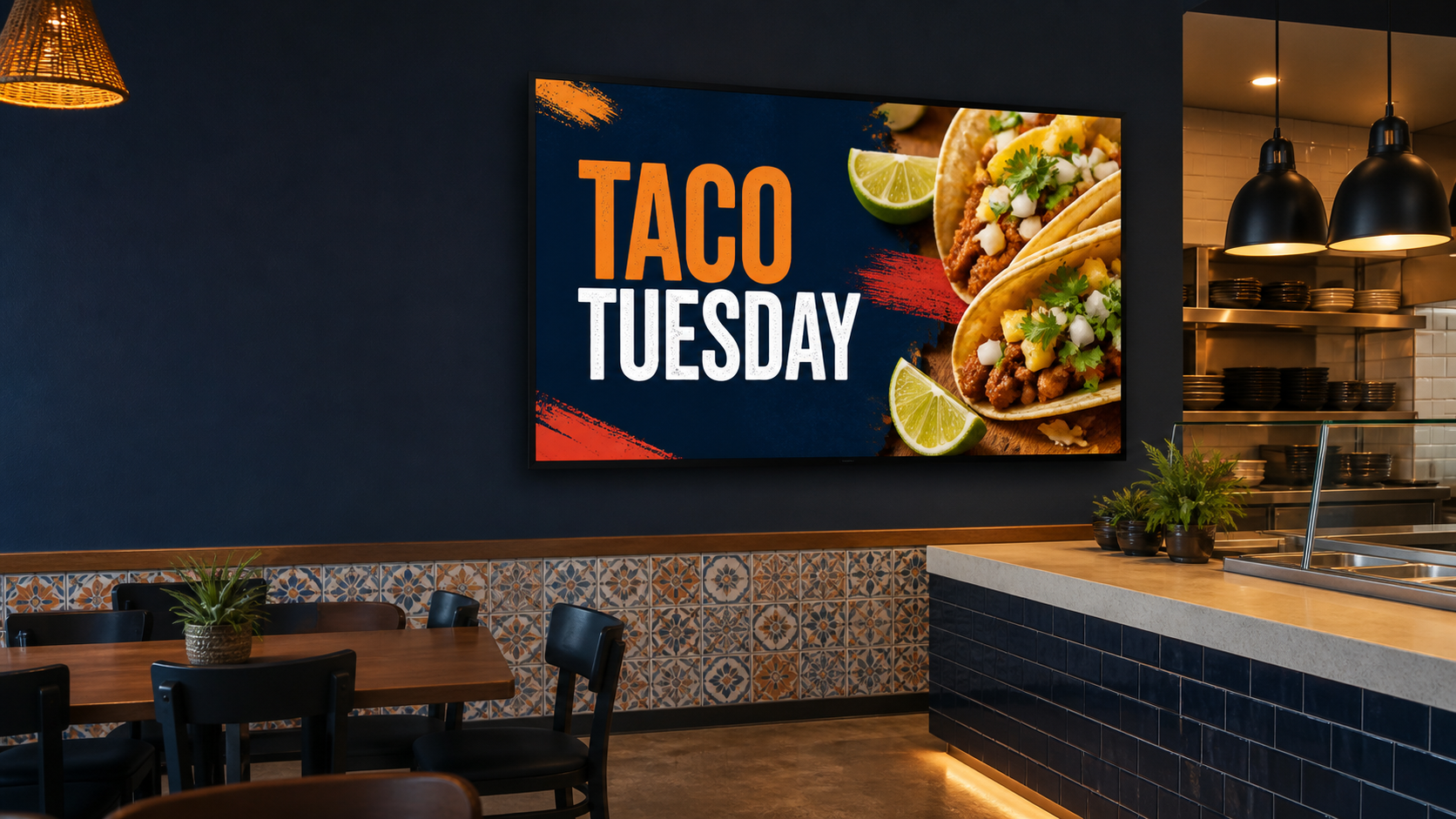
1. Download both apps and link your screen
Download the TapSignage Manager app on your mobile phone. Then open your TV or playback device’s app store and download the free TapSignage Player app. Launch the player and a QR code will appear on the screen—scan it with the Manager app to link your screen.
2. Upload and organize
Easily upload content from your phone or Web Manager, assign it to playlists, and adjust the layout so every image and video fits the screen beautifully.
3. Tap to play
Simply tap to play and your content is pushed to the linked screen. On select hardware and devices, content caches locally so it continues playing without Wi-Fi.

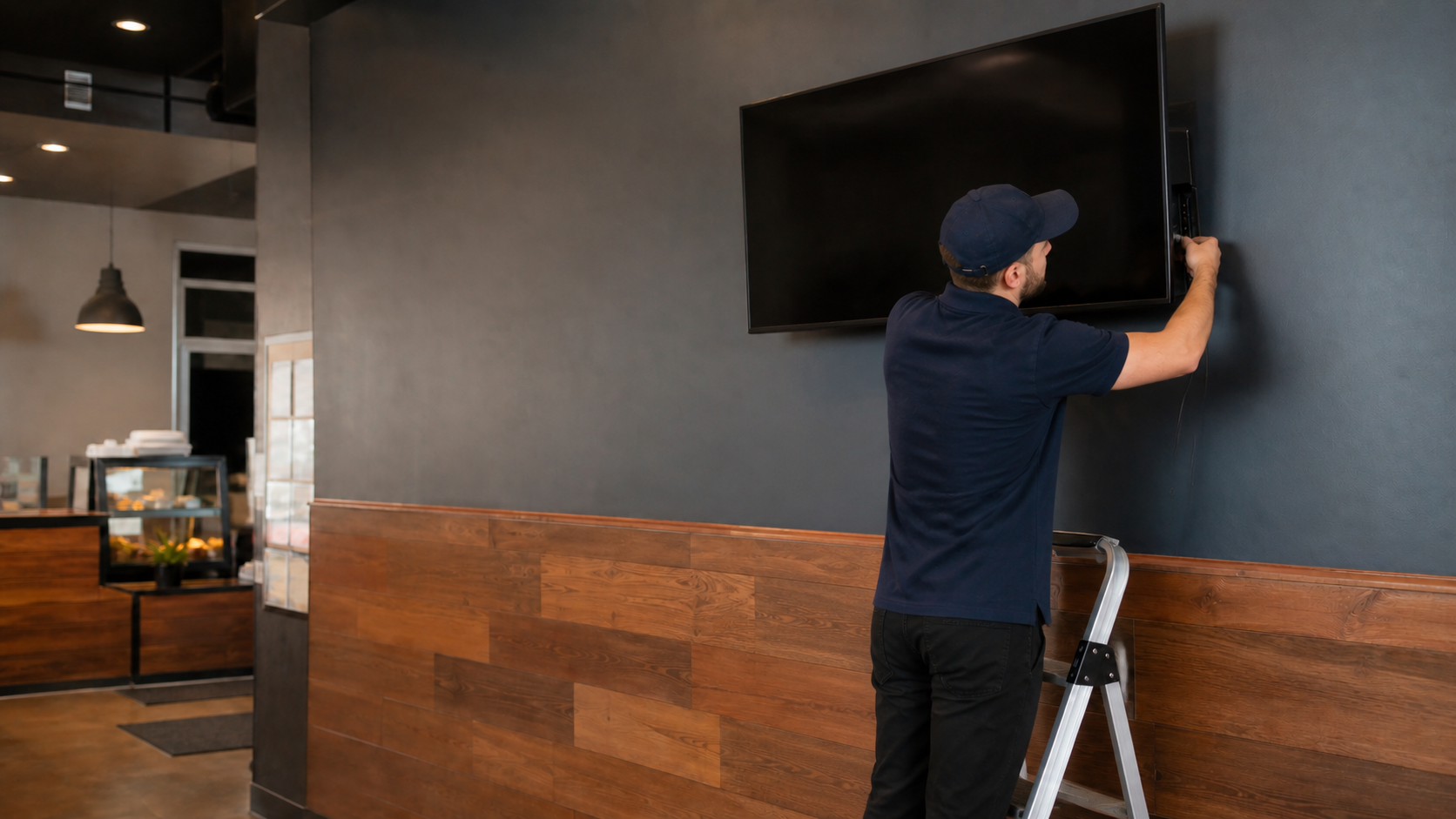
 Old way