Your screen
Start with a screen that fits the room: a TV for a small business, a commercial display for long daily operation, or a monitor/tablet for a specialized use.

DIGITAL SIGNAGE GUIDE
A single menu, welcome message, or announcement may not need a large signage system. But once content changes often or screens multiply, the time saved by remote management quickly matters.
See TapSignage plans →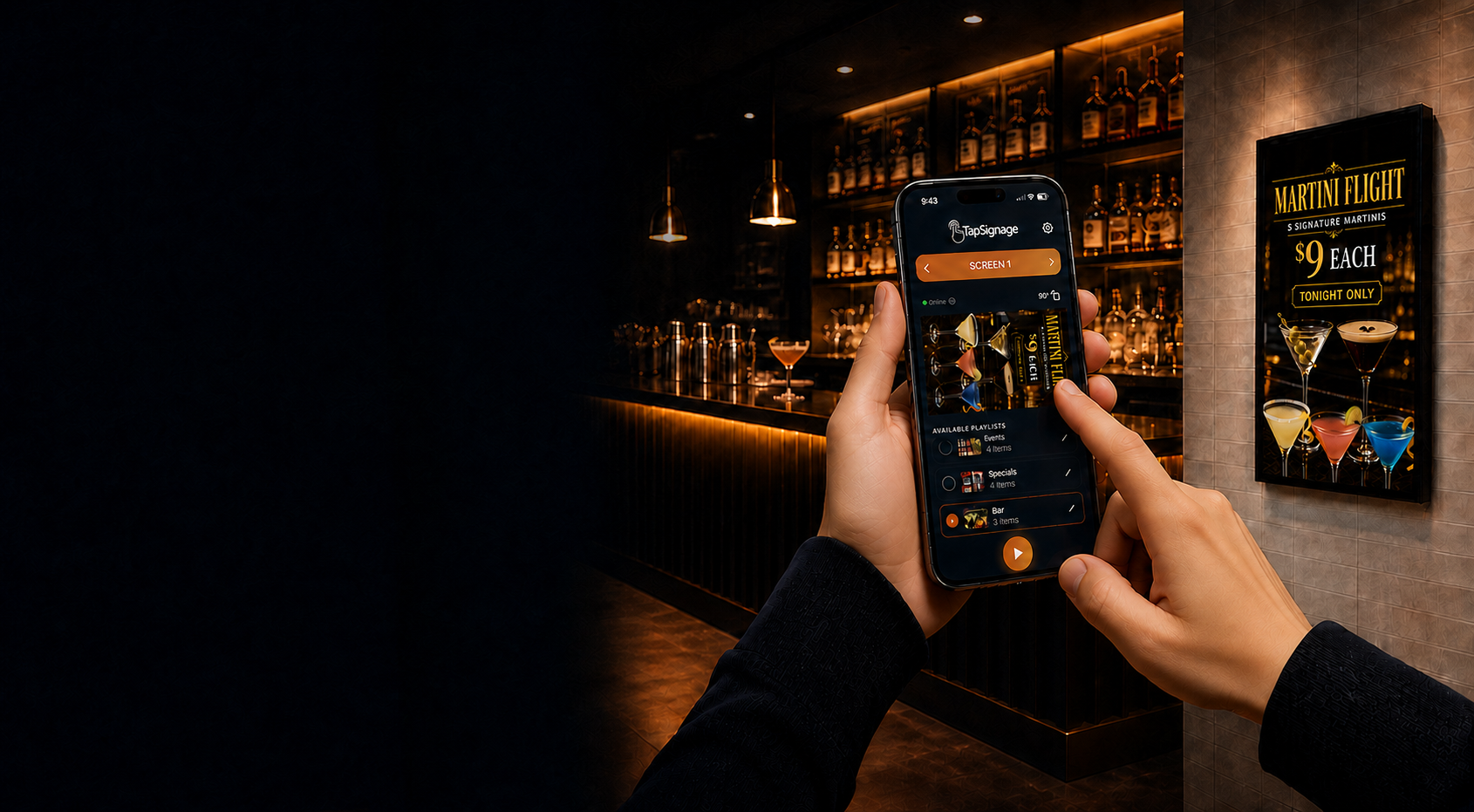
Start with a screen that fits the room: a TV for a small business, a commercial display for long daily operation, or a monitor/tablet for a specialized use.
The player runs the content on the screen. Depending on the setup, that may be an app on the display, a streaming device, or a dedicated signage player.
This is where you upload media, arrange playlists, pair screens, schedule changes, and publish updates without visiting the display.
For a display that shows a small, stable set of slides, a free trial or one-time single-screen option may be all you need.
When promotions, menus, events, or announcements change, remote publishing and scheduled playlists eliminate repeat trips to the TV.
Check screen limits, watermarks, storage, player requirements, support, security, and whether pricing is monthly, annual, per screen, or one-time.
A monthly plan is a practical choice when one account needs to manage several screens, content must change automatically for events or promotions, or staff should never have to climb up and swap a USB drive. TapSignage gives you a free starting point, per-screen plans for growing networks, and an unlimited-screen option for larger deployments.