
SETUP GUIDE
Set up a screen in minutes.
Follow this checklist to get a display online, publish your first playlist, and confirm that playback is working.
Start free trial →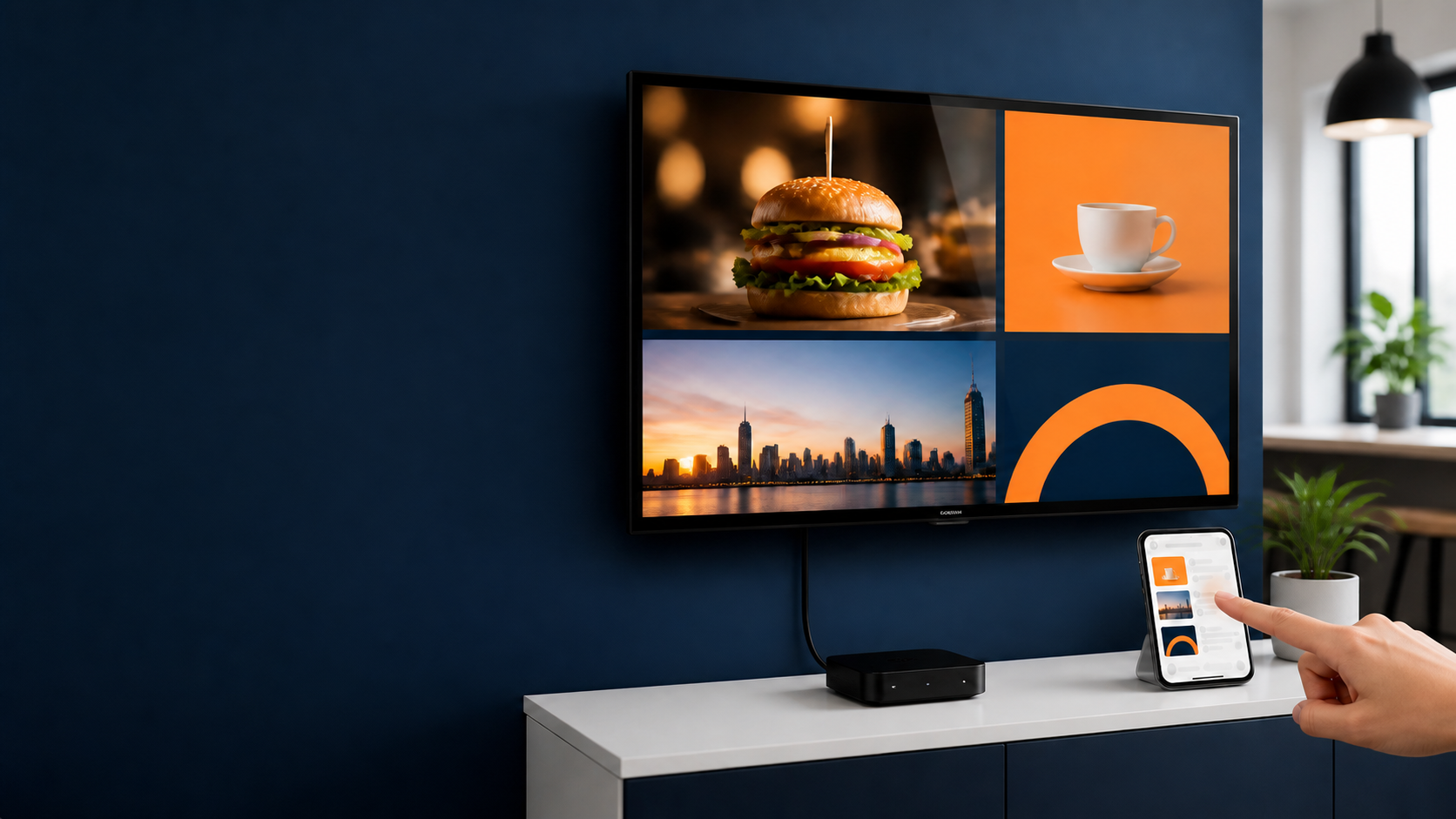
Quick-start checklist
- Connect the TV or display and select the correct HDMI/input source.
- Connect a compatible playback device and join it to Wi-Fi or Ethernet.
- Create your TapSignage account and install or open the player.
- Upload an image or video, add it to a playlist, and publish.
- Check the display, then add schedules or additional screens as needed.
Before you buy hardware
Confirm the operating system, available app/player support, network access, display resolution, mounting, and power requirements. For dedicated-player deployments, compare the upfront costs on our hardware alternatives page.